

Why Ditch Desktop Software for Web-Based Editors? (Image Credits: Unsplash)
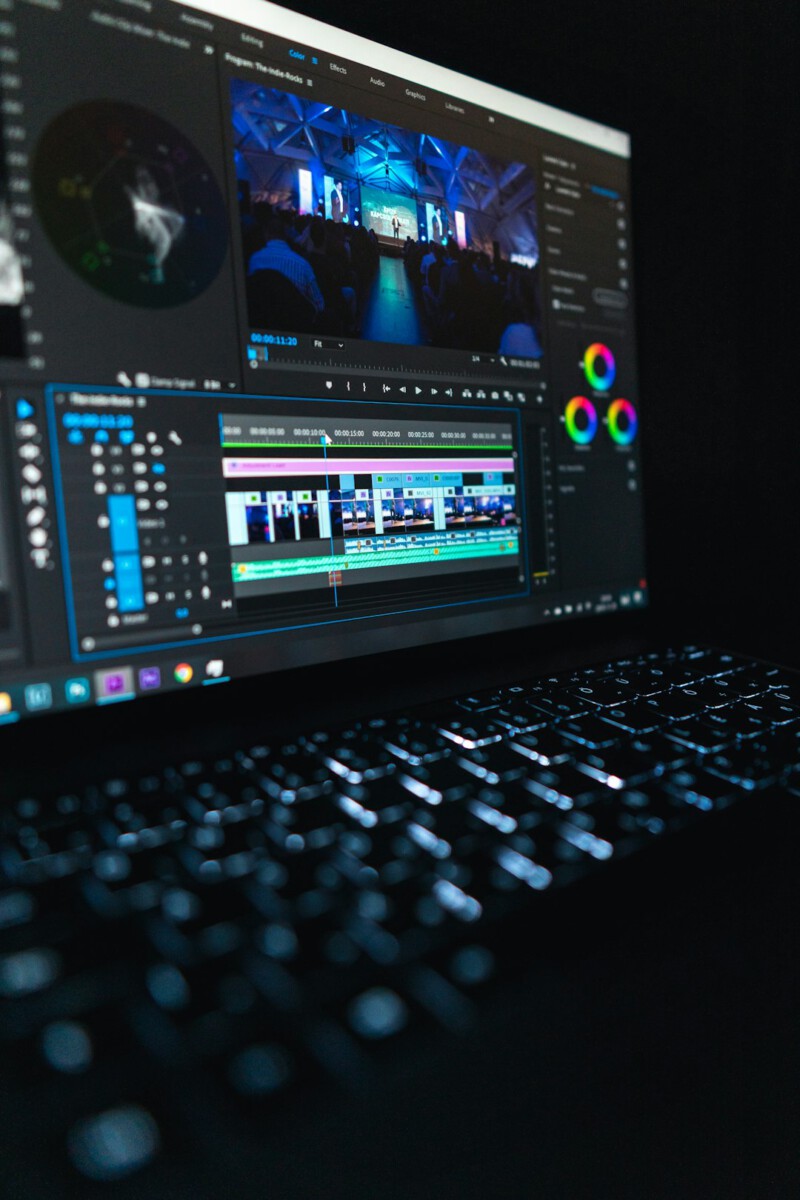
Picture the quiet hum of your computer fan as you trim clips and add flair to that unpolished MP4, turning ordinary footage into something sharp and shareable.
Why Ditch Desktop Software for Web-Based Editors?
Let’s face it, downloading bulky programs can eat up your time and storage. Online tools flip that script by letting you edit right in your browser, no installs required. They’re perfect for quick fixes on the go, whether you’re prepping a business promo or a personal vlog.
These platforms load fast and handle MP4 files smoothly, often with drag-and-drop simplicity. Plus, many pack pro features without the price tag. In a world where content creation never sleeps, this accessibility keeps you ahead.
Still, pick ones that match your needs, like basic cuts or fancy effects. Reliability matters too, so check for secure uploads.
Adobe Express: The Quick-Start Powerhouse
Did you know Adobe’s free tier rivals paid apps? Adobe Express kicks things off with templates that make MP4 editing feel like child’s play. Upload your file, and you’re trimming, cropping, or adding text in seconds.
It shines for social media creators. Swap in stock music or animations effortlessly. The interface stays intuitive, even for newbies, and exports keep that crisp quality intact.
One catch: heavier edits might nudge you toward premium. Yet for everyday tweaks, it’s a standout choice.
Clideo: Versatile and User-Friendly All-Rounder
Clideo grabs attention with its no-fuss approach to MP4 handling. Start by dragging your video in, then slice, merge, or flip with simple sliders. It supports extras like stickers and voiceovers, broadening your creative options.
Security is a plus here; files process on their servers but delete after use. Ideal for teams collaborating remotely. You can even add watermarks if branding matters.
Free users face some limits on file size, but the core tools deliver solid results without watermarks on basic exports.
Kapwing: Collaborative Editing Made Simple
Ever wished editing felt like a group chat? Kapwing turns that into reality with real-time sharing. Import your MP4, resize for platforms, or strip backgrounds using AI smarts – all online and free.
It’s stocked with royalty-free assets, from clips to audio, saving you hunts elsewhere. The timeline drags smoothly, and subtitles generate automatically for accessibility.
For businesses, the team features streamline workflows. Just note longer projects might need the pro upgrade for unlimited storage.
Online Video Cutter: Speedy Trims for Busy Folks
Speed demons rejoice – Online Video Cutter processes MP4s in under 10 minutes, even on slower connections. Crop, rotate, or split without a learning curve; it’s built for efficiency.
No account needed to start, which keeps things light. Align videos to fit screens perfectly, and experiment with unlimited cuts. The preview lets you fine-tune before downloading.
It’s less flashy on effects but unbeatable for basic edits. Perfect if you’re rushing a deadline.
Bonus Pick: PowerDirector Essential for Deeper Dives
If you crave more polish, PowerDirector’s online version steps up without cost. It tackles MP4s with color grading and transitions that elevate your work.
The free edition includes AI tools for quick enhancements, like stabilizing shaky footage. Export options abound, fitting various needs from web to mobile.
Though it’s web-based, some advanced bits push downloads. Still, it bridges casual and pro editing nicely.
Comparing Features at a Glance
To help you choose, here’s a quick rundown of what these tools offer.
| Tool | Key Strength | File Size Limit (Free) |
|---|---|---|
| Adobe Express | Templates & Effects | Up to 2GB |
| Clideo | Multi-Format Support | 500MB |
| Kapwing | Collaboration | 250MB |
| Online Video Cutter | Fast Processing | 4GB |
| PowerDirector | AI Enhancements | Unlimited (basic) |
This table highlights trade-offs; pick based on your project’s scale.
Key Takeaways:
- Start simple with drag-and-drop interfaces to build confidence.
- Always preview exports to ensure quality holds up.
- Combine tools for best results, like Clideo for cuts and Kapwing for adds.
These free online editors prove you don’t need a big budget to craft standout MP4 videos – just the right tool at hand. They open doors for anyone to create compelling content that connects. Which one will you try first? Share your thoughts in the comments below.