
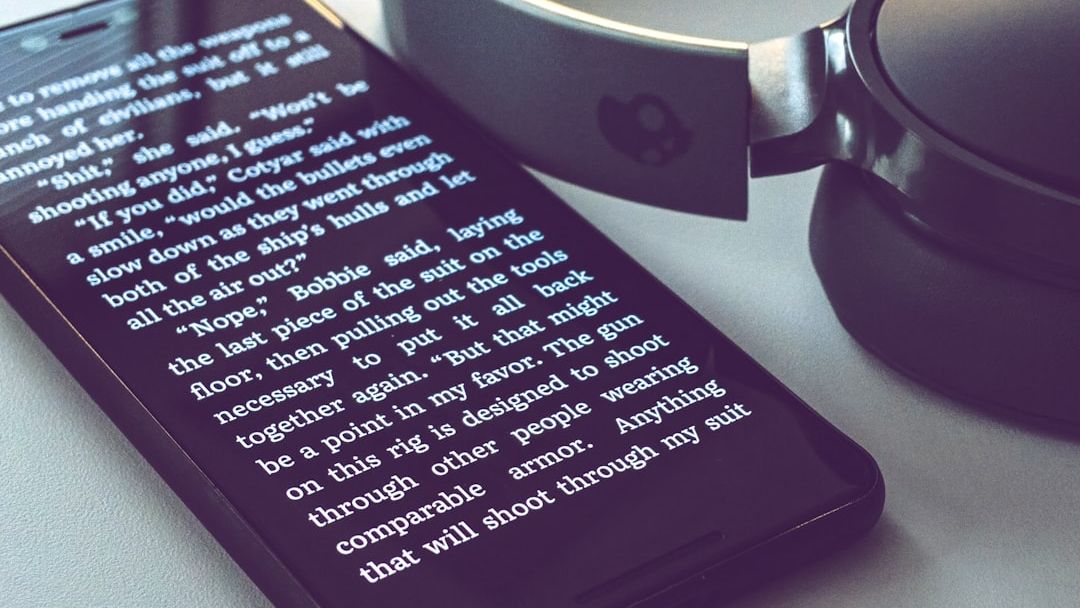

You reach for your phone dozens of times each day, tapping through apps and swiping screens like a digital choreographer. Yet somewhere between those automated gestures, there’s a quiet truth worth noticing. Your device contains layers of functionality that most people never discover, even after years of use. Think of it like owning a luxury car but only ever using first gear.
It’s not your fault, honestly. Manufacturers pack devices with so many features that even tech reviewers struggle to keep up. Some tools are deliberately tucked away in settings you’ll never accidentally stumble upon. Others get buried beneath updates that sweep through your phone while you sleep. The end result is that the majority of smartphone owners barely scratch the surface of what they’re carrying around in their pockets.
StandBy Mode: Your iPhone as a Bedside Companion

When your iPhone is on its side and charging, iOS 17 introduces StandBy, giving users a full-screen experience with glanceable information designed to be viewed from a distance. This feature transforms your device into something resembling a smart display, perfect for nightstands or desk charging stations. StandBy displays information via widgets in intelligent stacks, live activities, photos, the date, the clock, with the appearance of this information changing according to the ambient light, with dimmer and less flashy colors appearing at night.
The beauty lies in its adaptability. Official MagSafe chargers can even remember custom configurations per charger, so you won’t need to fiddle with settings every time you dock your phone. It’s particularly clever at night when the display automatically shifts to red tones and dims itself, creating an ideal environment for sleep without that harsh blue glow interrupting your rest. Many users don’t realize this exists because it only activates in a horizontal position while charging.
NameDrop: The Effortless Contact Exchange
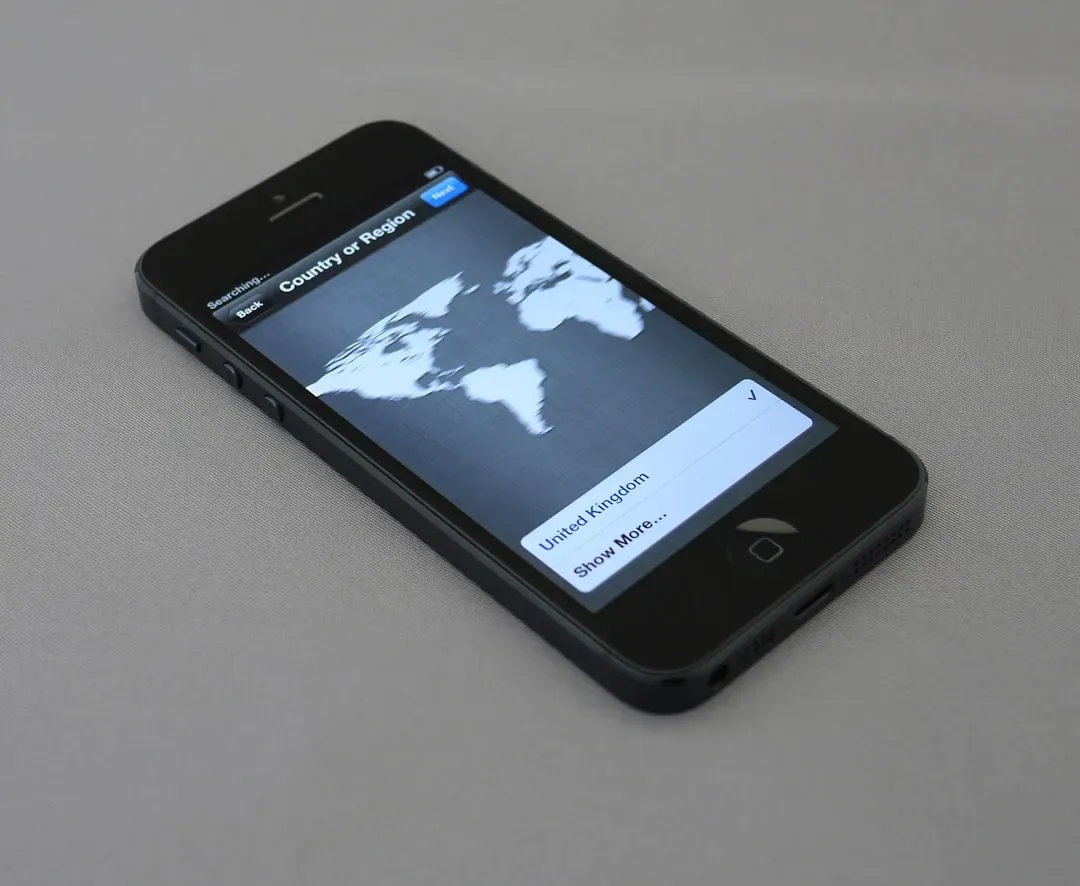
NameDrop allows users to easily share contact information by simply bringing their iPhone devices together. This feature, introduced with iOS 17, eliminates the awkward dance of spelling out email addresses or fumbling through contact apps. By tapping an iPhone or Apple Watch against another iPhone, users can start a file transfer, a shared activity with SharePlay, or exchange a customizable contact card.
It works through NFC technology, so the process takes mere seconds. You can customize exactly what information gets shared through Contact Posters, giving you control over whether someone receives your full details or just your phone number. The same gesture that shares contacts can also initiate SharePlay sessions for listening to music or watching content together. Yet despite its simplicity and usefulness, it remains one of those features people hear about once and promptly forget exists.
Live Text and Visual Intelligence in Your Camera
Point your camera at printed text, and something remarkable happens. Your iPhone can instantly recognize and extract that text, allowing you to copy, translate, or call phone numbers directly from the real world. This feature, called Live Text, processes everything on-device for privacy, working across multiple languages without sending your data anywhere.
It’s hard to say for sure, but this might be one of the most underutilized tools in modern smartphones. You can lift text from restaurant menus in foreign countries, capture business card details without typing, or convert handwritten notes into digital format. The technology works in photos you’ve already taken too, not just through the live camera viewfinder. Most people still manually type out information they see on signs or documents, completely unaware their phone could do it instantly.
Health Connect on Android: Your Fitness Data, Finally United
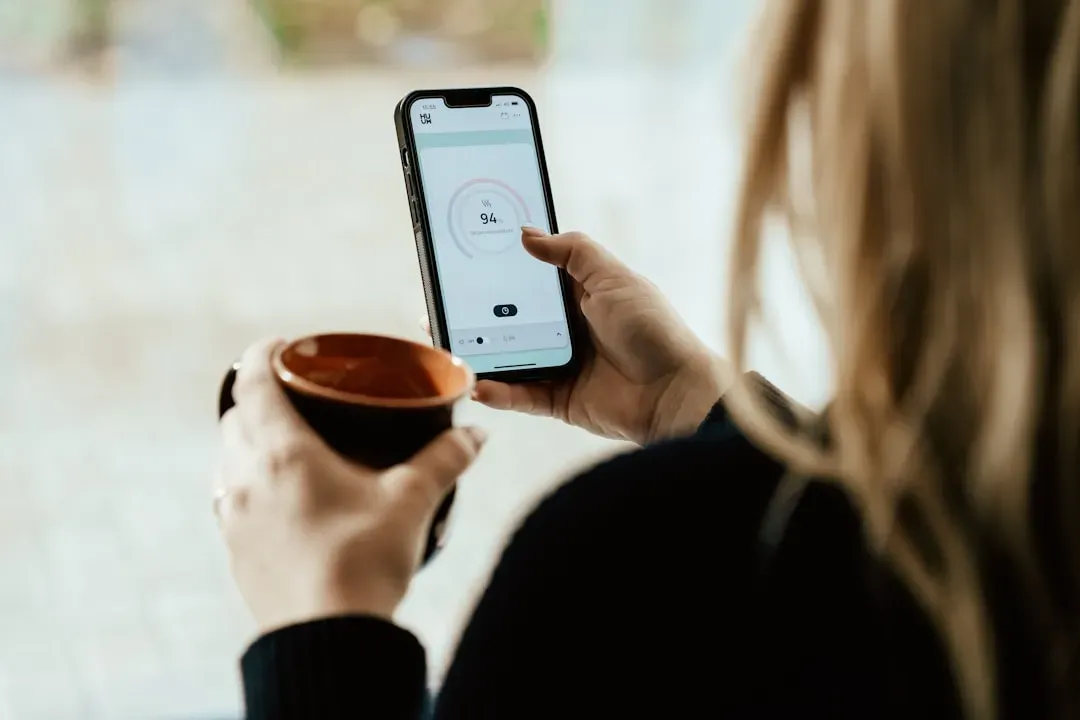
Health Connect is now built into your Android 14 settings as a central way to store all your data in one place and stay in control of your privacy. Before this integration, fitness apps operated in isolated silos, each collecting their own data with no easy way to share information between them. Different applications maintained their own separate data repositories, which made it difficult for users to get a unified view of their health information across multiple services.
Your data is securely encrypted on your phone, which ensures Google or anyone else can’t see or use it for any other purpose, and you can connect and sync your favorite health and fitness apps – like Oura, Peloton and Whoop. The platform handles more than fifty standardized data types, from step counts and exercise sessions to body measurements and sleep patterns. You maintain granular control over what each app can access, revoking permissions anytime. It’s a powerful system that most Android users don’t even know exists on their device.
Google Lens: Visual Search in Your Pocket
Let’s be real, the little camera icon in Google Search has been sitting there for years, yet the vast majority of people ignore it completely. Google said Lens has seen nearly 20 billion visual searches every month, and 20% of those searches are shopping-related. That’s a staggering volume, though it represents only a fraction of total smartphone users actually taking advantage of the feature.
Lens queries are now one of the fastest growing query types on Search, and younger users (ages 18–24) are engaging most with Lens. You can identify plants, translate foreign language signs in real-time, find where to buy products you spot in the wild, or even get help with homework by photographing math problems. The technology leverages advanced AI and computer vision to understand what you’re looking at, then surfaces relevant information immediately. It’s essentially giving your eyes a direct search function for the physical world.
Emergency SOS via Satellite: Help When There’s No Signal

Here’s something that could genuinely save your life, yet many iPhone owners have no idea it exists on their device. Now also available on the iPhone 15 lineup in 16 countries and regions, this innovative technology – which enables users to text with emergency services while outside of cellular and Wi-Fi coverage – has already made a significant impact, contributing to many lives being saved.
Rescue teams had to navigate thick smoke near an approaching wildfire in a helicopter to locate the hikers, and the only communication outlet for the four hikers was Apple’s Emergency SOS via Satellite feature. The system works by connecting your iPhone to satellites orbiting overhead, compressing text messages to work within the limited bandwidth. Your phone guides you through pointing it at the right angle to establish a connection, then allows you to answer pre-loaded questions that help emergency responders understand your situation. It’s included free for two years with iPhone 14 and newer models.
Predictive Back Gestures and Android’s Hidden Navigation
Android 14 introduced predictive back gestures, fundamentally changing how navigation feels throughout the operating system. When you swipe from the edge of the screen to go back, the system now shows you a preview of where you’re heading before you complete the gesture. This subtle enhancement reduces those frustrating moments when you accidentally exit an app or navigate somewhere unintended.
The feature uses machine learning to anticipate your movements and provide visual feedback in real-time. Developers can create custom in-app transitions that integrate seamlessly with this system. It’s one of those refinements that you don’t consciously notice until you use a device without it, then suddenly the old method feels clunky and imprecise. Still, many Android users remain unaware that this level of navigation sophistication exists on their device, simply because they’ve never explored the gesture settings.
Advanced Autocorrect That Actually Learns Your Style

Autocorrect receives a comprehensive update with a transformer language model, a state-of-the-art on-device machine learning language model for word prediction – improving the experience and accuracy for users every time they type. This represents a massive leap forward from the autocorrect systems that previously drove people to frustration with their overzealous corrections.
The keyboard’s autocorrection and dictation are powered by a new on-device transformer model, which is advertised to be more accurate and personalized to users’ writing styles, and unlike previous versions of iOS, it can learn not to autocorrect swear words, with autocorrected words being underlined and able to be reverted with a tap. The system provides inline predictions as you type, suggesting complete words or phrases that you can accept by simply tapping the space bar. It adapts to your vocabulary, learns your commonly used terms, and stops trying to “fix” things that aren’t actually mistakes.
Interactive Widgets That Do More Than Display
Widgets used to be glorified information displays, pretty to look at but functionally limited. That changed dramatically, though most users still treat them as static elements. Modern smartphones now support interactive widgets that allow you to control apps directly from your home screen without ever opening the full application.
You can start songs, complete reminders, toggle smart home devices, or adjust settings with a single tap on the widget itself. Third-party developers have embraced this capability, creating increasingly sophisticated controls that blur the line between widget and app. The convenience is remarkable once you start using them properly, turning your home screen into an actual control panel rather than just a launcher. Yet many people continue using the old tap-to-open-app method simply because they don’t realize their widgets now respond to touch inputs.
Digital Wellbeing Tools You’re Probably Ignoring
Smartphones come equipped with sophisticated tools for monitoring and managing your screen time, yet these features remain largely unused by the people who would benefit most from them. Time spent using smartphones among American adults grew from 3 hours 38 minutes in 2021 to 5 hours 16 minutes in 2025, and according to Q3 2025 data, people spend an average of 5 hours and 16 minutes online on their smartphones every day.
Both iOS Screen Time and Android’s Digital Wellbeing provide detailed breakdowns of how you use your device, allowing you to set app limits, schedule downtime, and receive notifications when you’ve exceeded your usage goals. You can see which apps consume most of your attention, track how many times you pick up your phone daily, and even identify patterns in your usage habits. The data can be genuinely eye-opening, revealing behaviors you might not consciously recognize. Still, activating these features requires deliberate effort, so they remain dormant on millions of devices.
Built-in Password Managers and Biometric Security
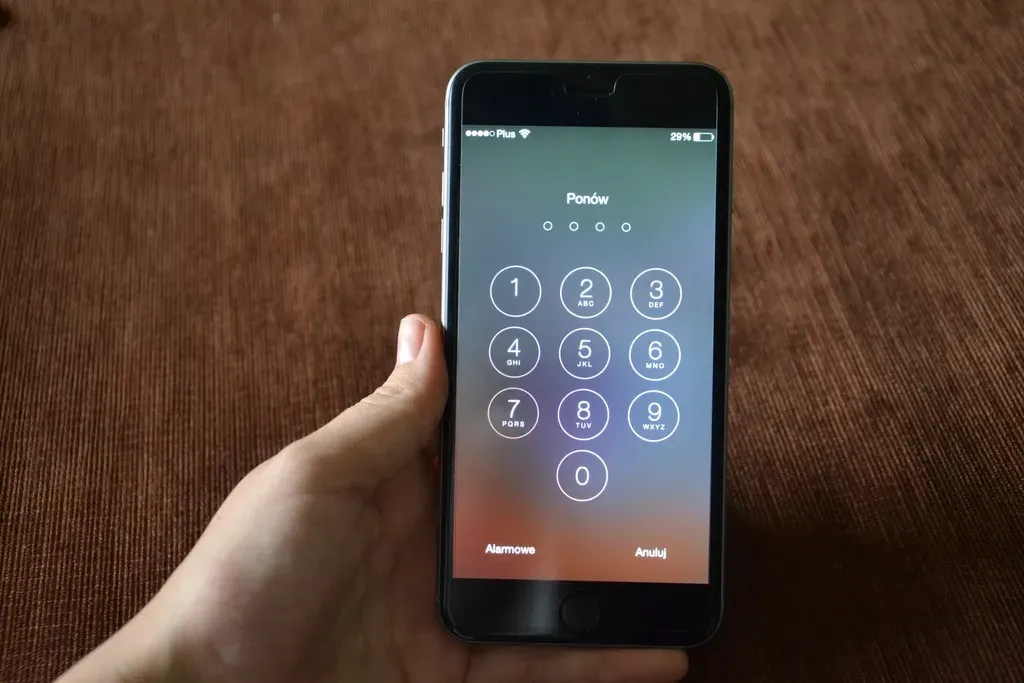
About 97% of the U.S. population own a smartphone or feature phone, with eighty-five percent of these owners owning a smartphone. Despite this near-universal adoption, many users still struggle with password management, reusing the same credentials across multiple services or storing passwords insecurely. Meanwhile, their smartphones contain robust, built-in password managers that automatically generate, store, and fill complex passwords.
Face ID, fingerprint sensors, and other biometric authentication methods have become standard features, yet some people still rely on simple PINs or patterns for security. The built-in password tools integrate seamlessly across apps and websites, syncing encrypted credentials across your devices while keeping everything protected behind biometric locks. These systems are far more secure than the alternatives most people default to, yet they require an initial setup process that many users never complete. It’s a strange paradox where powerful security features sit unused while people continue with less secure habits.
Your smartphone contains capabilities that would have seemed like science fiction just a few years ago. The gap between what your device can do and what you actually use it for is probably wider than you think. Maybe it’s worth spending fifteen minutes exploring your settings, or honestly, just trying that demo mode for Emergency SOS. You might discover your phone has been patiently waiting to show you what it’s really capable of all along. What features have you been missing out on without even realizing it?