
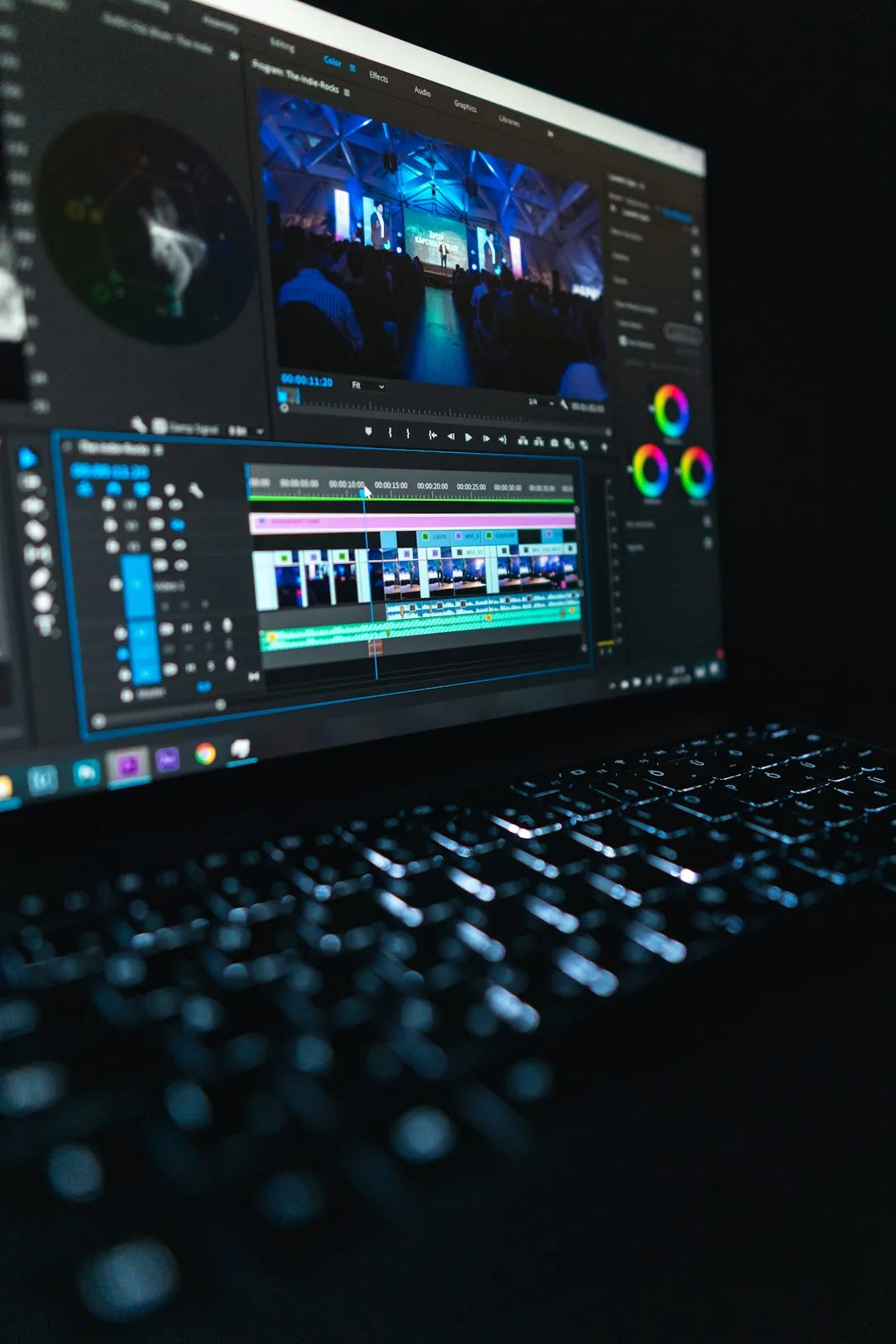
Overcoming the Blank Timeline Challenge (Image Credits: Unsplash)
Adobe launched Quick Cut, a beta feature in its Firefly video editor, to streamline the initial stages of video production by generating structured first drafts from raw footage.[1][2]
Overcoming the Blank Timeline Challenge
Video creators often face the daunting task of sifting through hours of clips to build a basic edit. Quick Cut addresses this directly by using AI to detect scenes, select optimal shots, and analyze audio for key moments.[3] The tool assembles uploaded videos, images, and audio into a cohesive timeline, providing a momentum-building starting point.
This innovation shifts focus from tedious assembly to creative refinement. Adobe’s senior director of product management, Mike Folgner, noted that certain editing tasks lack joy, and Quick Cut targets those to let creativity flourish.[2] Creators can now experiment rapidly without staring at empty timelines.
How Quick Cut Transforms Workflows
The process begins in the Firefly video editor. Users upload media files – videos, audio, or images – directly into a new or existing project.[4] They then activate Quick Cut from the upper-right panel and specify the media source, such as the current project or selected timeline clips.
Next, a text prompt describes the video’s intent, like a product review or podcast highlight, guiding the AI on mood and pacing. Options include aspect ratios tailored for platforms from YouTube’s 16:9 to TikTok’s 9:16, durations from 30 seconds to 15 minutes, and an optional B-roll track for supplemental footage.[4]
- Upload media to the timeline.
- Open Quick Cut and select media source.
- Enter descriptive prompt and settings.
- Generate the draft – AI handles scene detection and assembly.
- Refine via transcript adjustments, transitions, and effects.
This sequence typically produces a multi-track result in minutes, ready for polishing.
Real-World Impact Across Industries
Filmmakers, marketers, and podcasters stand to gain the most. Product reviewers can align unboxing footage with narration flows, while reporters pull key interview segments effortlessly.[1] Event coverage transforms chaotic recordings into structured recaps with B-roll overlays.
The feature integrates seamlessly with Firefly’s generative tools, allowing image-to-video conversions for added clips. Though still in beta, it promises faster turnarounds without replacing human oversight – outputs require manual tweaks for final polish.[5]
- Marketing teams produce promo videos swiftly.
- Educators create instructional content efficiently.
- Content creators iterate on vlogs or Shorts rapidly.
- Podcasters condense long recordings into highlights.
Availability and Broader Firefly Advances
Quick Cut rolled out on February 25, 2026, as part of Firefly’s expanding video capabilities, now with unlimited generations for experimentation.[1] Access requires a Firefly account, and generative credits may apply during processing.
Adobe positions this alongside recent updates like timeline-based editing and prompt-driven object manipulation, solidifying Firefly as an all-in-one AI studio.[5] Head of product marketing Mike Polner emphasized its role: “Goodbye empty timeline. Hello momentum.”[2]
Key Takeaways
- Quick Cut generates AI-assisted first drafts, saving hours on rough edits.
- Custom prompts and settings ensure platform-ready outputs.
- Ideal for creators seeking speed without sacrificing control.
Adobe Firefly’s Quick Cut marks a pivotal step in AI-assisted video production, empowering creators to prioritize storytelling over setup. As tools like this evolve, they could redefine workflows for professionals worldwide. What do you think about AI in your editing process? Tell us in the comments.