
A Smarter Way to Edit Images on the Go (Image Credits: Images.fastcompany.com)
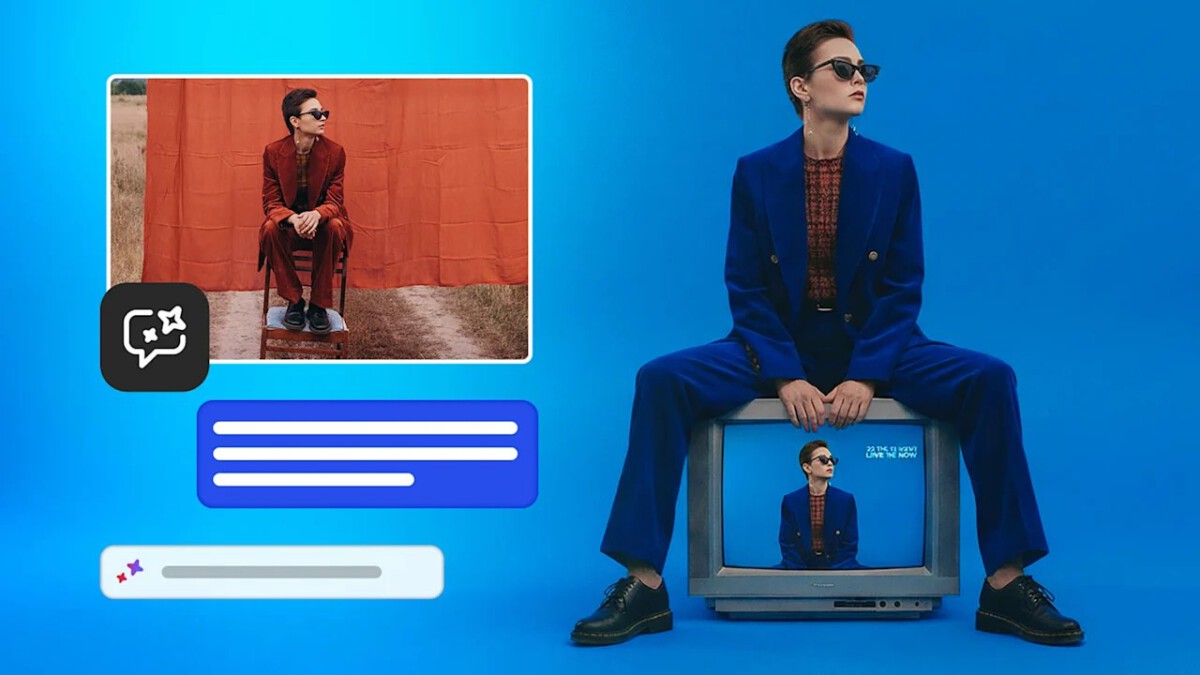
Adobe released the public beta of its advanced AI assistant for Photoshop Web and Photoshop Mobile, enabling users to perform professional-grade image edits through simple prompts and intuitive interactions.
A Smarter Way to Edit Images on the Go
Existing AI capabilities in Photoshop Web and Mobile already offered tools like generative fill and expand, along with precise object selection. The new assistant takes these features further by analyzing images in real time and providing tailored suggestions. Users no longer face steep learning curves; instead, the tool handles complex tasks with minimal input.
It scans the image to distinguish foreground subjects from background elements and chaotic scenes. Proactive recommendations then appear, such as removing distractions to improve composition or adjusting lighting for better color balance. This approach positions Adobe’s offering against standalone AI generators by emphasizing control and integration.
Voice and Touch Controls Bring Granular Precision
On mobile devices, the assistant responds to voice or text commands, isolating elements and applying changes to dedicated layers. Layers function like stacked transparent sheets, allowing rearrangements, duplications, or deletions without altering the original image. Users can command the removal of a background figure or the addition of text with specified style, then refine it manually with finger gestures.
Demonstrations showed commands like darkening a bridge structure, where the app created a mask and adjustment layer automatically. Other examples included transforming a daytime scene into a night view with auroras or excising foreground people while suggesting follow-up edits. These capabilities maintain context awareness, ensuring logical results.
Web Version’s AI Markup Tool Delivers Pinpoint Accuracy
The web platform introduces AI Markup, a contextual tool bar feature for drawing directly on images with a mouse, finger, or stylus. Users outline areas to confine AI changes, preventing unintended alterations elsewhere. This method supports erasing specific objects, swapping items, or recoloring elements while preserving surrounding lighting and shadows.
In practice, editors marked fruits on a table to erase a pineapple, convert a pomegranate to an apple, or tint an object blue – all within boundaries. Unlike broader generative models that reimagine entire images and introduce inconsistencies, this layer-based system targets only selected zones. The result offers reliability for professional workflows.
Workflow Integration and Beta Access Details
Edited files from Web or Mobile seamlessly transfer to full Adobe applications, such as desktop Photoshop, Premiere, or Acrobat for publishing. This upstreaming supports comprehensive creative projects beyond social media posts.
- Generative fill and expand for content creation.
- Object selection refined by AI for touch interfaces.
- Layer management via voice or markup.
- Contextual suggestions for common edits.
- Unlimited generations for subscribers through April 9.
Access varies by tier: Photoshop Web and Mobile subscribers, plus Firefly users, enjoy unlimited AI uses initially. Free accounts receive 20 generations to explore the beta.
Key Takeaways
- The AI assistant combines analysis, suggestions, and precise controls for effortless editing.
- Mobile voice commands and web markup tools ensure professional results without complexity.
- Integration with Adobe’s ecosystem elevates mobile edits into full projects.
Adobe’s AI assistant beta marks a shift toward accessible, powerful editing tools that rival standalone generators while surpassing them in precision. As creators test these features, the barrier to stunning visuals lowers dramatically – what possibilities do you see for your own projects? Share your thoughts in the comments.