
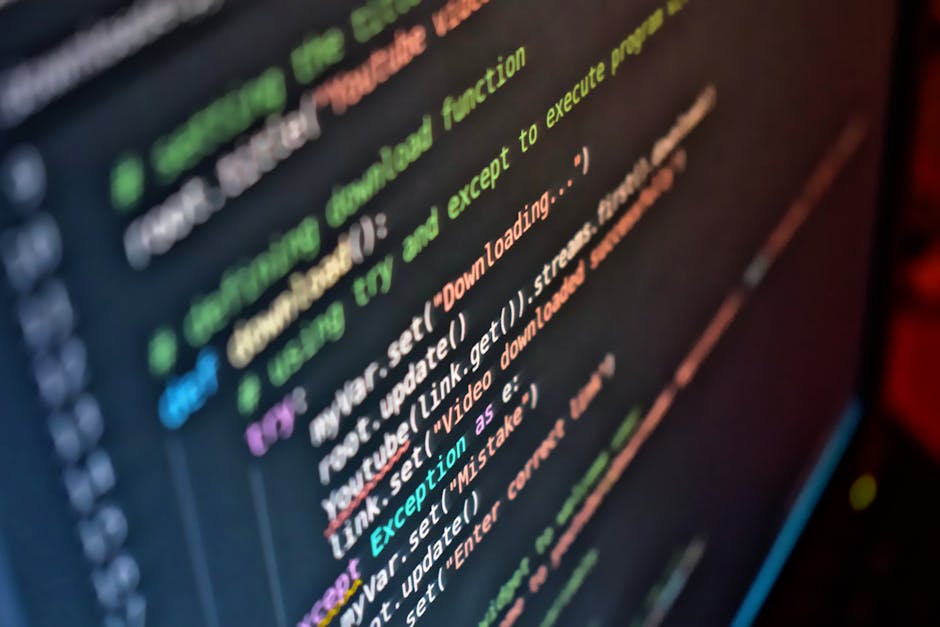
The Command Line’s Resurgence in AI Automation (Image Credits: Pexels)
Google released a command-line interface for its Workspace suite, offering developers and AI agents a unified way to access Gmail, Docs, Sheets, Drive, Calendar, and more.
The Command Line’s Resurgence in AI Automation
Developers have long relied on command-line tools for their precision and composability, and now AI agents are following suit. This approach sidesteps fragmented graphical interfaces, allowing scripted interactions that scale efficiently. Google’s new Workspace CLI taps into this momentum, providing a single entry point to the company’s productivity ecosystem.
The tool arrived via an open-source repository under Apache 2.0 licensing. Addy Osmani, a Google Cloud director, highlighted it in an X post, describing the CLI as “built for humans and agents” while covering “Google Drive, Gmail, Calendar, and every Workspace API.” Installation proves simple with a single npm command, making it accessible even for smaller teams.
Core Features Powering Unified Access
The CLI dynamically generates commands by reading Google’s Discovery Service at runtime, ensuring it stays current with API updates without manual intervention. Users benefit from structured JSON outputs, ideal for parsing in automated workflows. Additional perks include dry-run previews to test actions safely and schema inspection for deeper troubleshooting.
It equips users with over 100 predefined agent skills tailored to key apps. Common tasks span listing Drive files, editing spreadsheets, sending Chat messages, and managing calendars. Auto-pagination handles large datasets smoothly, reducing manual oversight in terminal sessions.
Enterprise Advantages in Agentic Workflows
Enterprises previously depended on third-party services for cross-app automation, but the CLI eliminates much of that complexity. Teams can now script AI agents to handle repetitive processes like email triage or document updates directly from the terminal. This unified surface cuts down on custom integrations, freeing developers for higher-value work.
The design supports both human operators and machine-driven tasks. For instance, AI models gain reusable commands that bypass bespoke API wrappers. In practice, this means faster prototyping for internal tools, such as generating reports from Sheets data or scheduling via Calendar APIs.
Navigating Limitations and Security
While promising, the project carries a clear disclaimer: it remains unofficial and under active development, with potential breaking changes ahead of version 1.0. Enterprises must set up OAuth credentials through a Google Cloud project and ensure proper Workspace permissions. Authentication options cover local setups, CI pipelines, and service accounts, aligning with existing governance.
The CLI complements protocols like Model Context Protocol (MCP) rather than replacing them. It offers an MCP server mode for compatible clients, including Gemini CLI extensions. This flexibility lets teams choose execution styles based on their stack, without sacrificing control.
Key Takeaways
- Unified CLI reduces reliance on third-party connectors for Workspace automation.
- Dynamic commands and JSON outputs suit both developers and AI agents.
- Not officially supported – ideal for testing, not immediate production rollout.
Google Workspace CLI positions the terminal as a vital bridge between human ingenuity and AI efficiency in enterprise settings. It simplifies access to essential tools without upending security frameworks. As agent technologies evolve, this release signals a practical step toward programmable productivity. What workflows could you automate with it? Share your thoughts in the comments.