
I’ve sifted through thousands of resumes this year alone, watching most vanish into the digital abyss before I even glance at them. It’s frustrating when solid candidates get bounced by AI screeners, and honestly, there’s one sneaky culprit making your hard work invisible to the system. Let’s peel back the curtain on why that happens, straight from the front lines of 2026 hiring.[1]
Picture this: your resume looks perfect on your screen, but the AI parser chokes and spits out gibberish. We’re talking over 75% of submissions never reaching human eyes, often due to these hidden traps.[2] Stick around as I break down the top 10 invisible reasons, with real fixes to get you seen.
1. Complex Formatting Turns Your Resume to Mush
Columns, tables, and fancy layouts might wow designers, but they scramble AI parsers like a blender on high. Recent analysis of 1,000 rejected resumes showed formatting issues causing 12% of failures, as systems read left-to-right and top-to-bottom only.[3] I’ve seen experience sections jumbled into skills, making qualified folks disappear.
Keep it simple with single-column, standard fonts like Arial or Calibri. That alone boosts parse rates dramatically in tools like Workday or Taleo.
2. Missing Job Description Keywords Makes You a Ghost
AI hunts for exact phrases from the posting, and if yours lacks them, you’re out before takeoff. Recruiters set filters for must-haves, rejecting nearly three-quarters without a match.[4] It’s not about stuffing; mirror the language naturally.
Scan the job ad, weave in terms like “Agile methodology” if listed. This invisible mismatch dooms most applicants silently.
3. Wrong File Type Blocks the Parser Cold
PDFs with embedded fonts or scanned images? Forget it, they garble text for 31% of submissions in some ATS.[3] DOCX plain text sails through, while fancy PDFs trigger parsing errors in 23% of cases.
Always submit Word docs unless specified. It’s a quick swap that keeps your content visible.
4. Non-Standard Headers Confuse the System

“Work History” instead of “Experience”? AI skips it, assuming no data there. Legacy parsers in 66% of systems demand exact matches like “Skills” or “Education.”[5]
Stick to classics: Summary, Experience, Skills, Education. This tiny tweak prevents your sections from going invisible.
5. Images and Graphics Hide Your Text
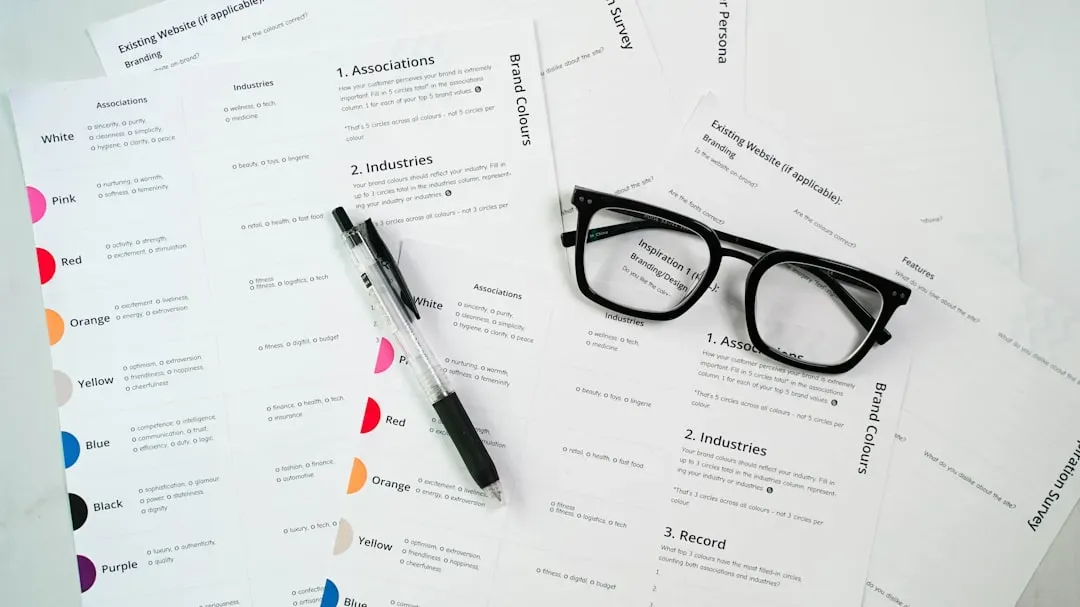
Headshots, icons, or logos? Up to 88% of visual-heavy resumes get discarded as unreadable.[6] Parsers can’t extract text from pictures, leaving blanks where your achievements should shine.
Ditch them entirely for ATS. Save flair for LinkedIn or interviews.
6. Employment Gaps Trigger Auto-Filters

Over half of companies screen out gaps automatically, even for legit reasons like caregiving.[3] AI flags them as risks without context, making you invisible despite strong quals.
Bridge with “Career Break: Family Care” or freelance notes. Honesty with brevity works wonders.
7. Hidden Text or White Fonts Get Flagged

Keyword stuffing in invisible white text? Modern ATS detect it as prompt injection, auto-rejecting cheats.[7] Zero-point fonts behind images do the same, turning savvy hacks against you.
Write for humans first, naturally. AI spots fakes now more than ever.
8. AI-Generated Phrasing Rings Alarm Bells
Unnatural, repetitive language from tools like ChatGPT? 51% of managers spot it instantly, and parsers downrank generic fluff.[8] In 2026, 78% note overly polished but bland resumes.[9]
Personalize with your voice and metrics. Authenticity beats robo-text every time.
9. No Quantifiable Achievements Leaves It Flat

Vague duties like “Managed team” score low; AI favors “Led 10-person team to 20% growth.”[10] Without numbers, you’re just noise in the stack.
Hunt your wins: percentages, dollars, headcounts. They make impacts pop for both AI and me.
10. Length Overload or Skimp Buries Key Info

Pages beyond one or skimpy half-pages dilute signals. Optimal is one page, packed tight for quick scans.[11] AI prioritizes concise, keyword-rich docs.
Tailor ruthlessly per job. Brevity keeps you visible amid the flood.