
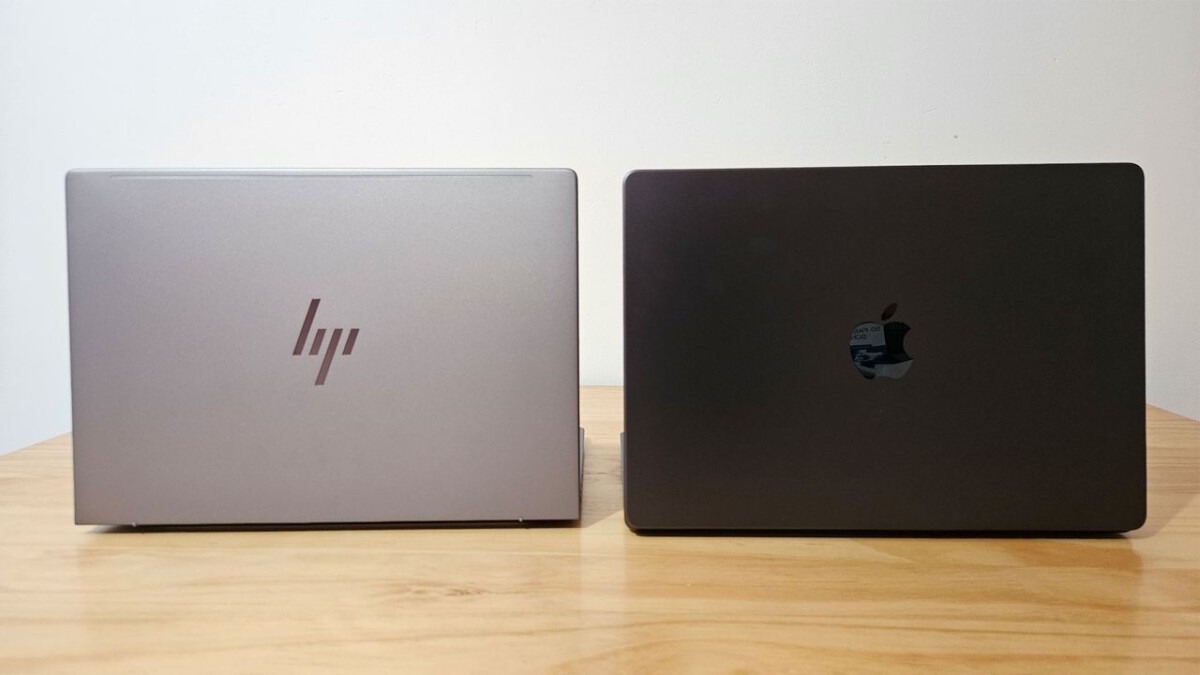
Raw Processing Power: CPUs and GPUs in Focus (Image Credits: Cdn.mos.cms.futurecdn.net)
Astrophotographers seeking to process cosmic images confront a pivotal choice between premium MacBooks and flexible Windows laptops.[1]
Raw Processing Power: CPUs and GPUs in Focus
Apple’s M-series chips, such as the M4 and anticipated M5, delivered exceptional single-core and multi-threaded performance that outpaced many Windows processors in benchmarks.[1] These unified architectures handled demanding tasks like image stacking efficiently.
Windows laptops countered with superior dedicated graphics options, including Nvidia RTX series GPUs that excelled in AI-driven noise reduction and high-resolution previews. Configurations with RTX 4060 or higher proved ideal for intensive workflows, surpassing integrated Mac graphics in raw compute power.[1][2]
For astrophotographers managing gigabyte-sized FITS files from sessions, both platforms required at least 32GB RAM, though Macs optimized lower amounts through unified memory.
Software Landscape: Tools That Define Your Workflow
Windows dominated specialized astronomy applications, with tools like DeepSkyStacker offering free, robust stacking unavailable natively on macOS.[2] Forums noted broader compatibility for planetary imaging and mount control on this platform.
Cross-platform staples such as PixInsight and Adobe Lightroom ran smoothly on both, with recent Apple Silicon accelerating PixInsight processes dramatically over Intel-based Macs. Users praised macOS for seamless Adobe integration, though Windows provided more niche options overall.[1]
- Windows strengths: DeepSkyStacker, RegiStax, broader telescope drivers.
- Mac advantages: Optimized Adobe suite, PixInsight on M-series.
- Shared: Photoshop for final edits, Siril as a free alternative.
Portability, Displays, and Real-World Field Use
MacBooks like the Air M4 and Pro M3 Max stood out for lightweight builds under 4 pounds, exceptional battery life exceeding 15 hours, and vibrant Liquid Retina displays calibrated for color accuracy – crucial for evaluating faint nebulae.[3]
Windows options, such as Dell XPS 16 or ASUS ProArt, matched in premium displays with OLED options but often weighed more and drained batteries faster during extended field sessions. Port selection favored Windows, reducing dongle reliance for SD cards and USB connections common in astro gear.
| Feature | MacBook | Windows Laptops |
|---|---|---|
| Weight (avg.) | 3-4 lbs | 4-5.5 lbs |
| Battery Life | 15+ hours | 8-12 hours |
| Display Quality | Excellent Retina | Varied, OLED options |
| Ports | Limited | Abundant |
Budget Breakdown: Value Stars Aligned
Entry-level MacBook Air models dipped under $1,000, delivering pro-level performance for beginners editing DSLR astro shots. High-end Pro configurations climbed steeply for maxed specs.
Windows shone in value, with capable machines like Surface Laptop 7 or Gigabyte G5 available below $1,500 featuring dedicated GPUs and 32GB RAM – ideal for power users without premium pricing.[3]
Key Takeaways
- Match your software stack first: Windows for niche astro tools, Mac for Adobe workflows.
- Prioritize 32GB+ RAM and NVMe SSD regardless of OS.
- Test portability needs – Macs for travel, Windows for desk power.
No platform claimed outright victory; success hinged on specific needs like software demands and budget constraints. Astrophotographers thrived by aligning hardware with their capture-to-edit pipeline. Which laptop powers your next deep-sky masterpiece? Share your setup in the comments.