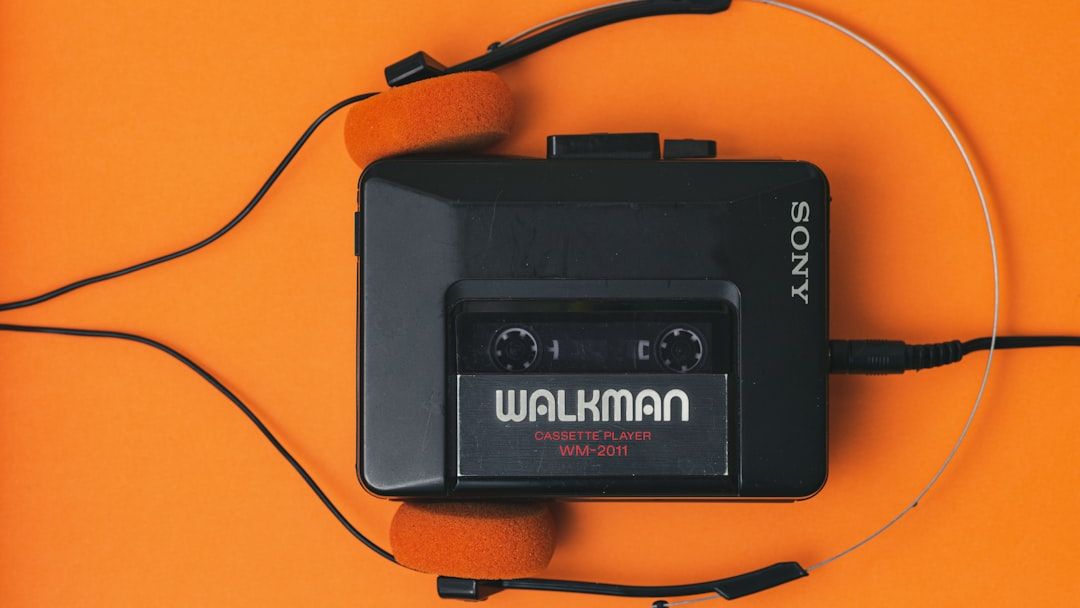

Birth of an Experiment in Windows 95 (Image Credits: Unsplash)
Microsoft PowerToys stands out as a rare gem in the Windows ecosystem, offering nearly 30 free utilities that enhance productivity without any commercial strings attached. Launched in its modern form in 2019, the suite has amassed more than 70 million downloads among power users who appreciate tools like advanced window management and text extraction from images. This project not only delights developers and enthusiasts but also quietly tests ideas that could redefine Windows itself.
Birth of an Experiment in Windows 95
PowerToys first emerged as an internal playground for Microsoft engineers during the development of Windows 95. Developers created utilities to test groundbreaking features, such as displaying application options in File Explorer’s right-click menu or experimenting with non-rectangular windows through a circular desktop clock. These tools verified new capabilities in real-world use, like viewing.CAB files or switching display resolutions from the system tray.
Raymond Chen, a principal software engineer who contributed early on, explained that the utilities served as practical proofs of concept. Microsoft soon released them publicly on its website, despite lacking documentation or support. Word spread rapidly through user groups and tech publications, earning praise for freeing users to customize Windows 95 to their liking.[1][2]
The collection evolved to include side projects from developers, with a low bar for inclusion. Chen recalled casually accepting submissions via email, fostering a culture of innovation. Over time, PowerToys expanded to Windows XP, OneNote, and even Tablet PC editions, showcasing neat extras that never made the core OS.
Security Scares and a 15-Year Slumber
Vulnerabilities exposed by worms like SQL Slammer and Blaster in the early 2000s halted the fun. Microsoft imposed strict rules requiring dedicated support for any downloadable software, making casual releases impossible. Chen noted that while side projects continued internally, the easy publishing model vanished, leaving PowerToys dormant for 15 years.
The revival came in 2019 amid efforts to woo developers with features like Windows Subsystem for Linux. Clint Rutkas, principal product manager, described the goal as delivering powerful utilities for overlapping needs of coders and power users. Announced at the Build conference, the open-source GitHub repository exploded with 5,000 stars in under 24 hours, drawing massive community input.[1]
Rutkas returned from a stint at Meta to lead the project, starting with basics like window layout tools and shortcut lookups. The team quickly added file renamers, image resizers, and keystroke remappers, leaning heavily on external contributors.
Community-Driven Tools That Deliver
Today, PowerToys boasts over 25 modules, with 12 crediting open-source developers. Joseph Finney, a mechanical engineer by day, integrated his TextGrab app after GitHub discussions, reaching more users without compensation but gaining energy from the community. He earned a Microsoft MVP award and weekly team calls, plus referrals to his standalone app.
Finney emphasized the motivational spark of collaboration for indie developers working nights and weekends. Popular utilities include:
- FancyZones for custom window layouts
- PowerRename for bulk file renaming
- Keyboard Manager to remap keys like Caps Lock
- Text Extractor for OCR from images
- Command Palette, a Spotlight-like search for apps, files, and more
- Advanced Paste with AI for rewriting or translating clipboard text
Recent releases like v0.98.0 added refinements to Keyboard Manager and CursorWrap for intuitive mouse movement.[3]
Incubating Features for Windows’ Future
Beyond goodwill – evidenced by 131,000 GitHub stars, second only to Visual Studio Code – PowerToys prototypes core OS enhancements.[1] Text Extractor inspired Windows 11’s Snipping Tool, while FancyZones informed native tiling. Rutkas highlighted faster iteration via community feedback, unburdened by preview channel constraints.
Ambitious additions like Command Palette enable app launches, web searches, and extensible plugins. Rutkas dismissed monetization talk outright: “Nope. Our goal is to empower power users to do more.” This freedom allows bleeding-edge experiments, from AI clipboard tools to potential top menu bars, benefiting advanced users even if features graduate elsewhere.
Key Takeaways
- PowerToys bridges Microsoft’s past experiments with open-source vitality, amassing millions of users.
- Community contributions fuel nearly half the tools, fostering indie developer growth.
- As a low-stakes lab, it seeds Windows innovations without corporate bloat.
PowerToys proves Microsoft can still craft beloved software by prioritizing users over profits, restoring faith in Windows basics. As the suite pushes boundaries with tools like upcoming PowerDisplay, it reminds us that true innovation thrives in playful, collaborative spaces. What’s your favorite PowerToys utility? Share in the comments.