
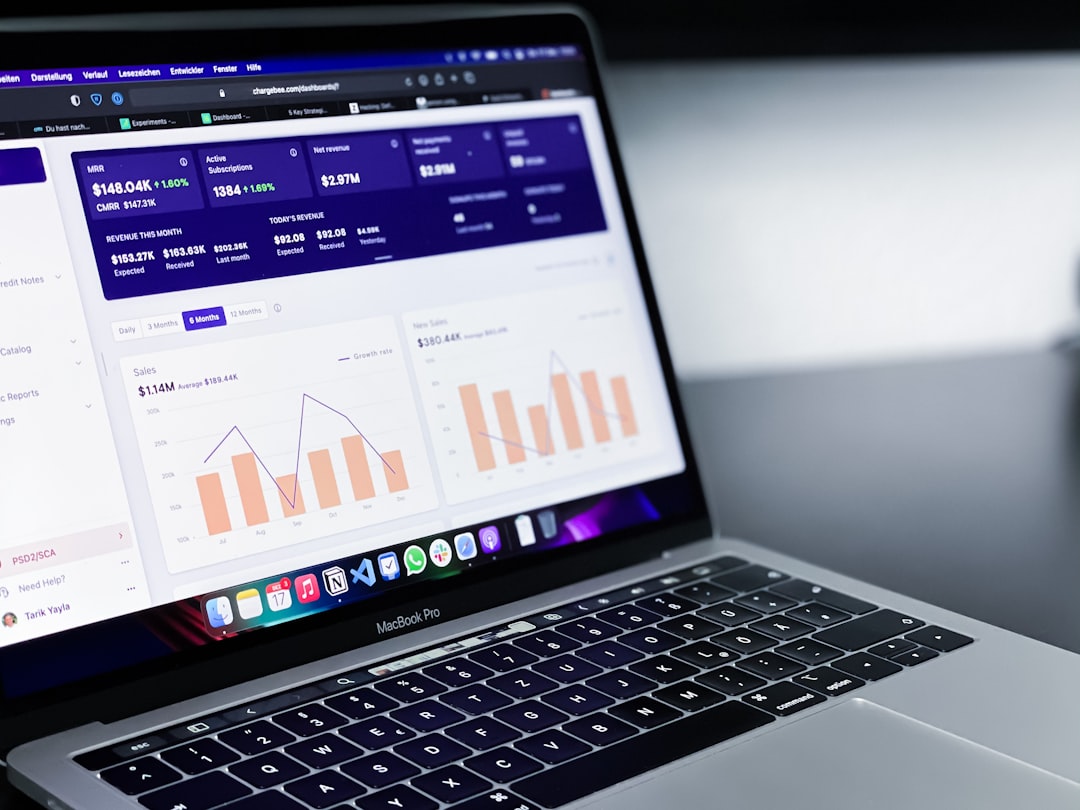
Wave Accounting Sets a High Bar for Simplicity (Image Credits: Unsplash)
MacBook owners running small businesses or freelance operations face unique demands for efficient financial management. Free accounting software has evolved to deliver powerful tools without ongoing costs, supporting invoicing, expense tracking, and reporting directly on macOS. These options cater to users who prioritize seamless integration with Apple ecosystems while keeping budgets intact.[1][2]
Wave Accounting Sets a High Bar for Simplicity
Freelancers and solopreneurs often turn to Wave first among free options. This cloud-based platform handled unlimited invoicing and basic reporting without fees for core functions. Users appreciated its receipt scanning and payment processing via Apple Pay.[2]
Wave integrated smoothly across Apple devices, syncing data effortlessly. It generated income and expense reports while supporting online payments. Though advanced payroll required upgrades, the free tier sufficed for most entry-level needs on MacBooks.
Manager.io Delivers Full Desktop Power
Small teams seeking comprehensive control found Manager.io indispensable. This desktop application offered double-entry accounting, inventory management, and payroll without any subscription. It ran offline on macOS, ensuring data privacy and quick access.[1][3]
Key capabilities included customizable invoicing, multi-currency support, and detailed financial statements like balance sheets. No user limits applied in the free version, making it scalable for growing operations. MacBook users downloaded it directly for cross-platform file compatibility.
GnuCash Excels in Double-Entry Precision
Users comfortable with traditional bookkeeping praised GnuCash for its robust free framework. The open-source desktop app supported MacBooks on both Intel and Apple Silicon, handling investments and scheduled transactions. It produced graphs and reports across multiple currencies.[4][1]
Transaction matching and QIF imports streamlined data entry. Though the interface appeared dated, its flexibility suited technical users managing small businesses. No cloud dependency meant complete local control on macOS.
ZipBooks Streamlines Invoicing Workflows
ZipBooks Starter plan attracted MacBook users with its browser-based access and zero fees. Unlimited customers, vendors, and invoicing formed the core, alongside time tracking and project organization. Mobile apps enhanced on-the-go management.[5][1]
Features like recurring bills and transaction tagging generated clear reports. Encryption protected data in the cloud. Freelancers valued its intuitive design for quick setups without a steep learning curve.
NCH Express Accounts Fits Tiny Teams
Businesses with fewer than five employees relied on NCH Express Accounts for straightforward reporting. The free desktop version on Mac produced over 20 financial statements, including profit and loss analyses. No internet connection was necessary.[1]
Sales tracking by item or customer added value, alongside time billing. Users set up customer portals easily. It handled essential functions reliably for very small operations on MacBooks.
| Software | Platform | Best For | Key Free Feature |
|---|---|---|---|
| Wave | Cloud/Browser | Freelancers | Unlimited Invoicing |
| Manager.io | Desktop | Small Teams | Double-Entry Accounting |
| GnuCash | Desktop | Bookkeepers | Multi-Currency Reports |
| ZipBooks | Cloud/Browser | Projects | Time Tracking |
| NCH Express | Desktop | Tiny Businesses | 20+ Reports |
Key Takeaways
- Select cloud tools like Wave or ZipBooks for mobility across devices.
- Opt for desktop apps such as Manager.io or GnuCash for offline reliability.
- Match features to your scale – freelance simplicity or small-team depth.
Free accounting software empowers MacBook users to professionalize finances without expense. Each option balanced usability and power for distinct needs. What do you think about it? Tell us in the comments.